Quick Links
Website: https://seliware.com/ | Discord: https://discord.gg/nzEggEE9vxInstall Guide
A 64-bit system running windows 10 or 11 is required.
Required Dependancies
Microsoft Visual C++ Redistributable 2022 x64
Microsoft Visual C++ Redistributable 2022 x64
WebView2 Runtime
WebView2 Runtime
Downloading the installer
- Open https://seliware.com in your browser.
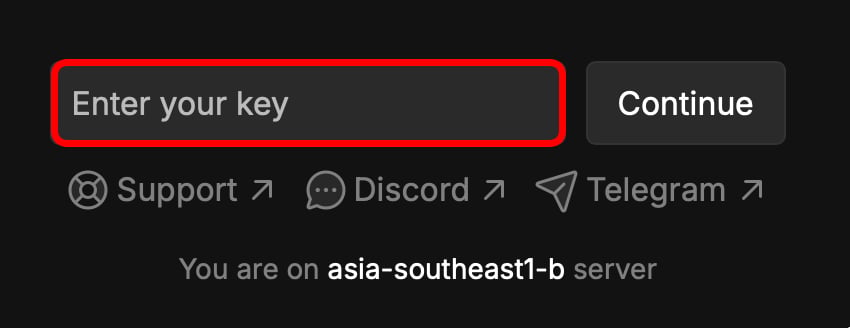
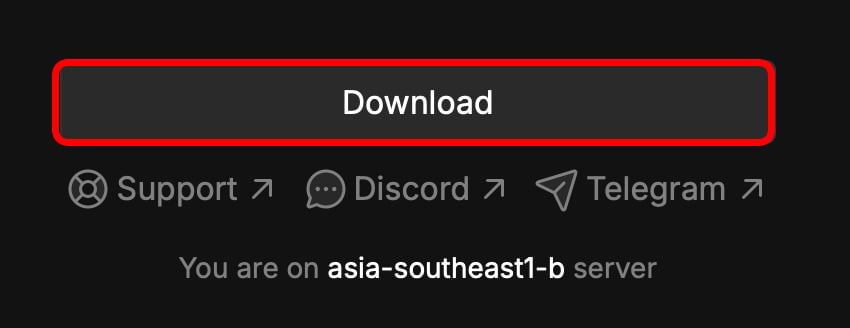
- Input your key into the website, and click download.
Installing the software
- Open the downloaded installer.
- This section is still being written..
Frequently asked Questions
Q: Where is autoexecution?A: In
%localappdata%\seliware\autoexec.
Q: Where is workspace?A: In
%localappdata%\seliware\workspace.
Q: How do I inject?A: Seliware will auto inject once it detects a game client.
Quick Fixes
Please synchronize your time
- Press the Windows key and type
CMD, then right click “Terminal” and selectRun as Administrator. - Paste the command below and press enter.\
Incompatible Roblox Version
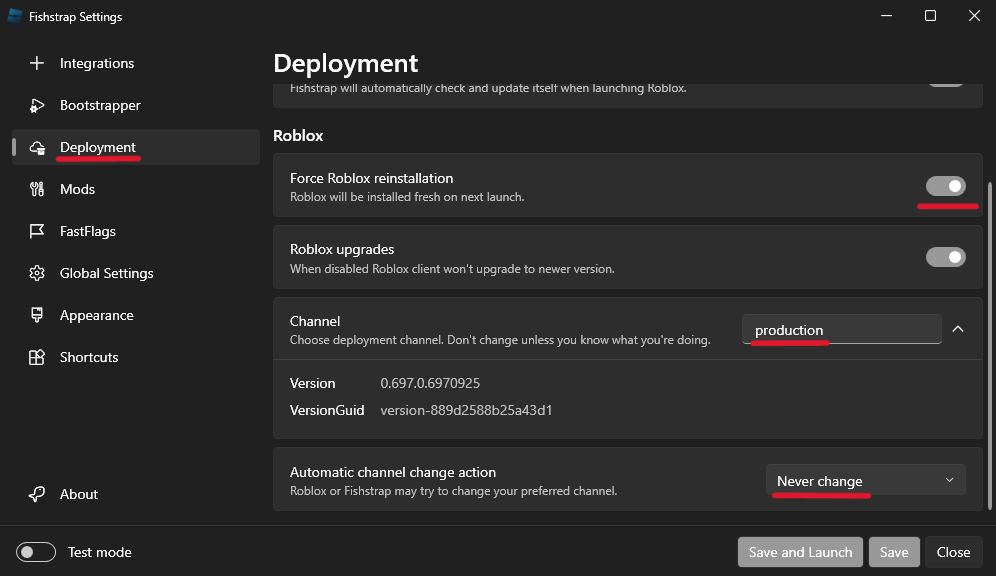
- Install Fishstrap (https://fishstrap.app).
- Use the following settings on the
DeploymentTab.
0 Active Instances, but Roblox is open
- Open Windows Defender.
- Open
Virus & Threat Protectionand disableReal Time Protection. - Open
App & Browser Controland disableSmart App Control. - Restart Seliware, then launch Roblox.
Missing core file
- Open Windows Defender.
- Open
Virus & Threat Protectionand disableReal Time Protection. - Reinstall Seliware.